At a glance
A PDF editor I built for myself — then made public
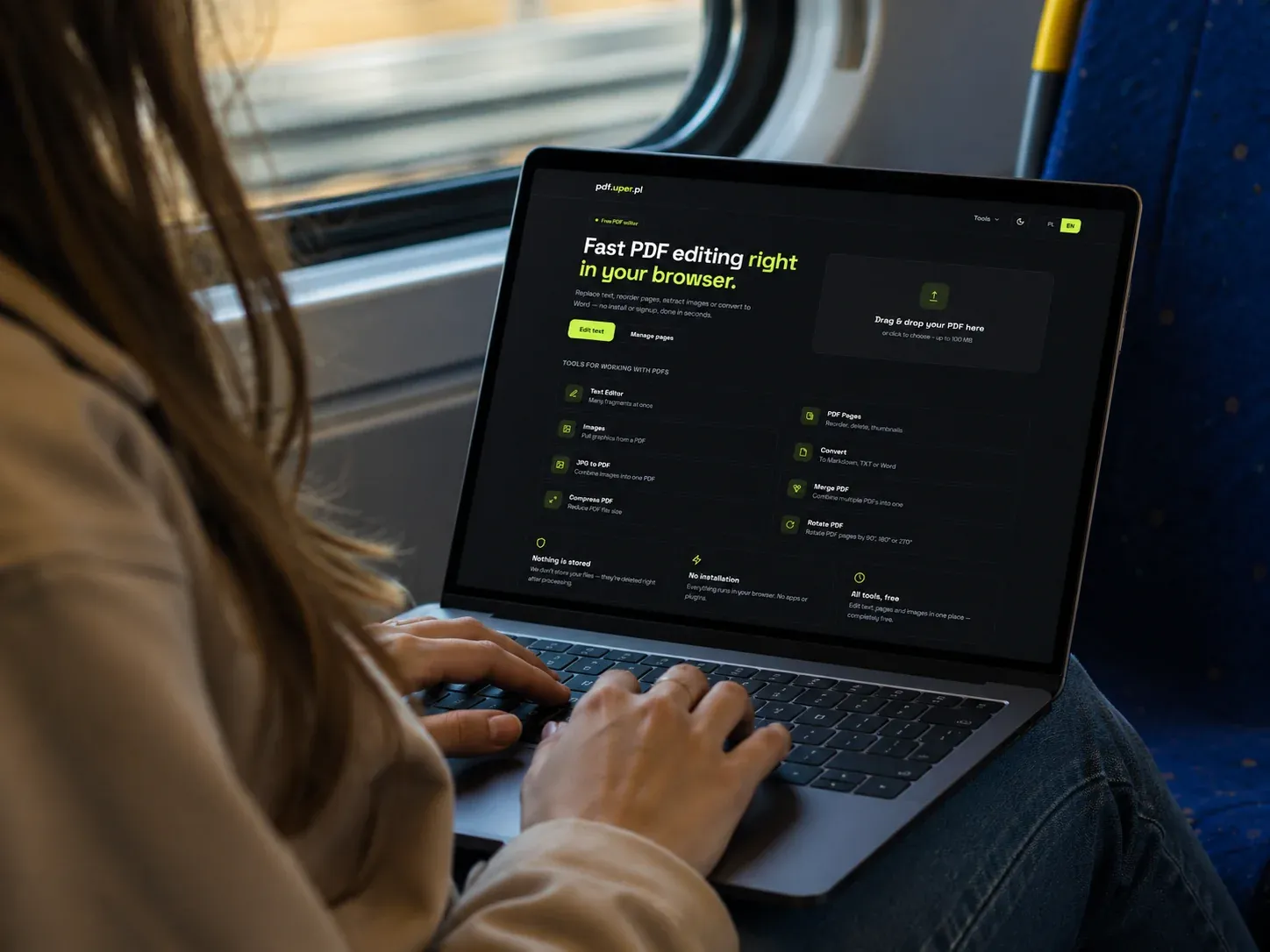
I work with a lot of PDFs: workshop manuals, parts documentation, invoices. The usual online editors either paywall the basics, push a desktop install, or quietly upload your files to a server you don’t control. I wanted something faster and cleaner — so I built pdf.uper.pl, a small suite of PDF tools that run straight in the browser.
It started as a private utility for my own workflow. It turned out useful enough that I decided to release it publicly, for free, with no signup and no tracking.
What it does
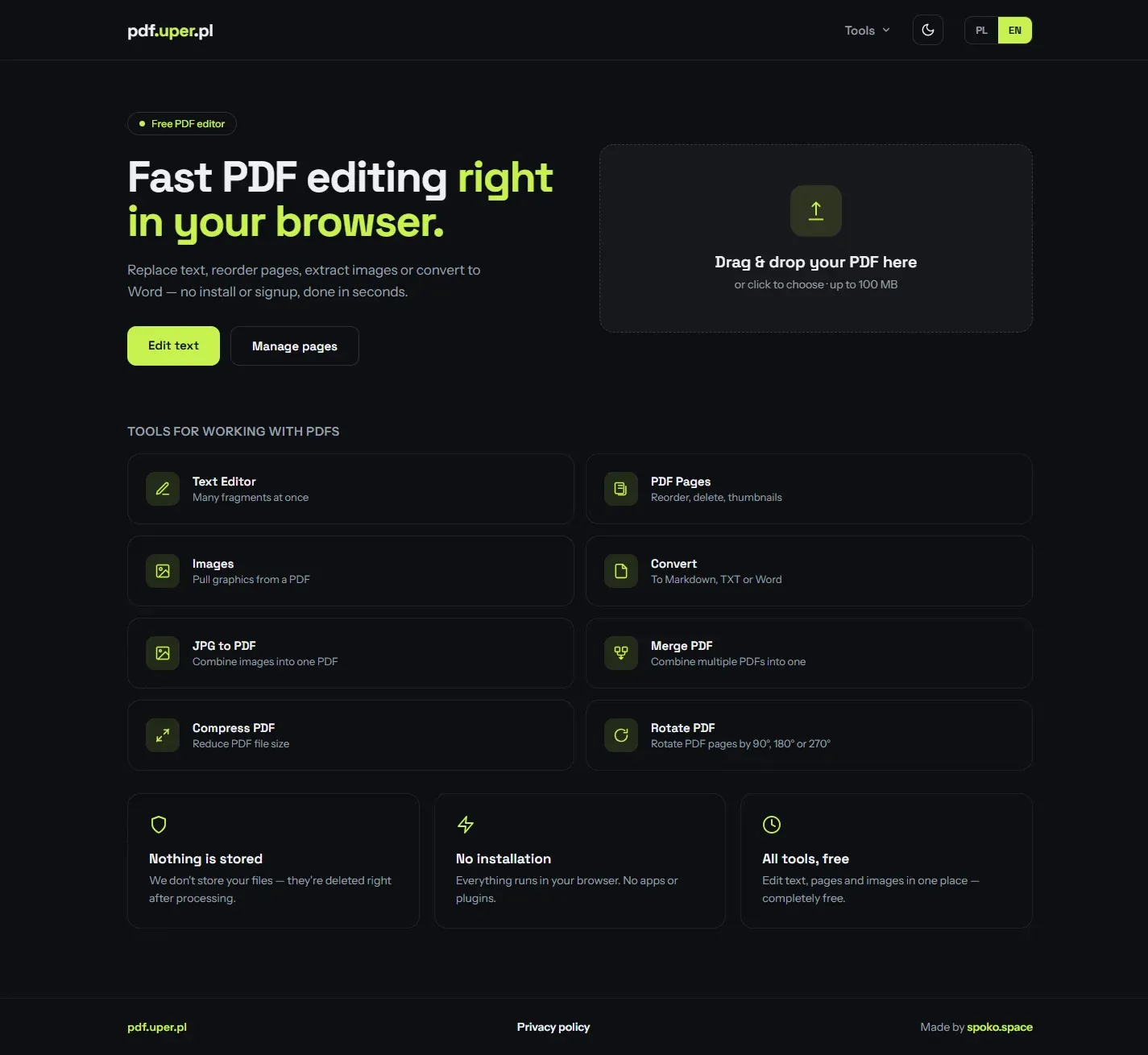
The toolset covers the everyday PDF jobs that usually send people hunting for a desktop app:
Replace & remove text
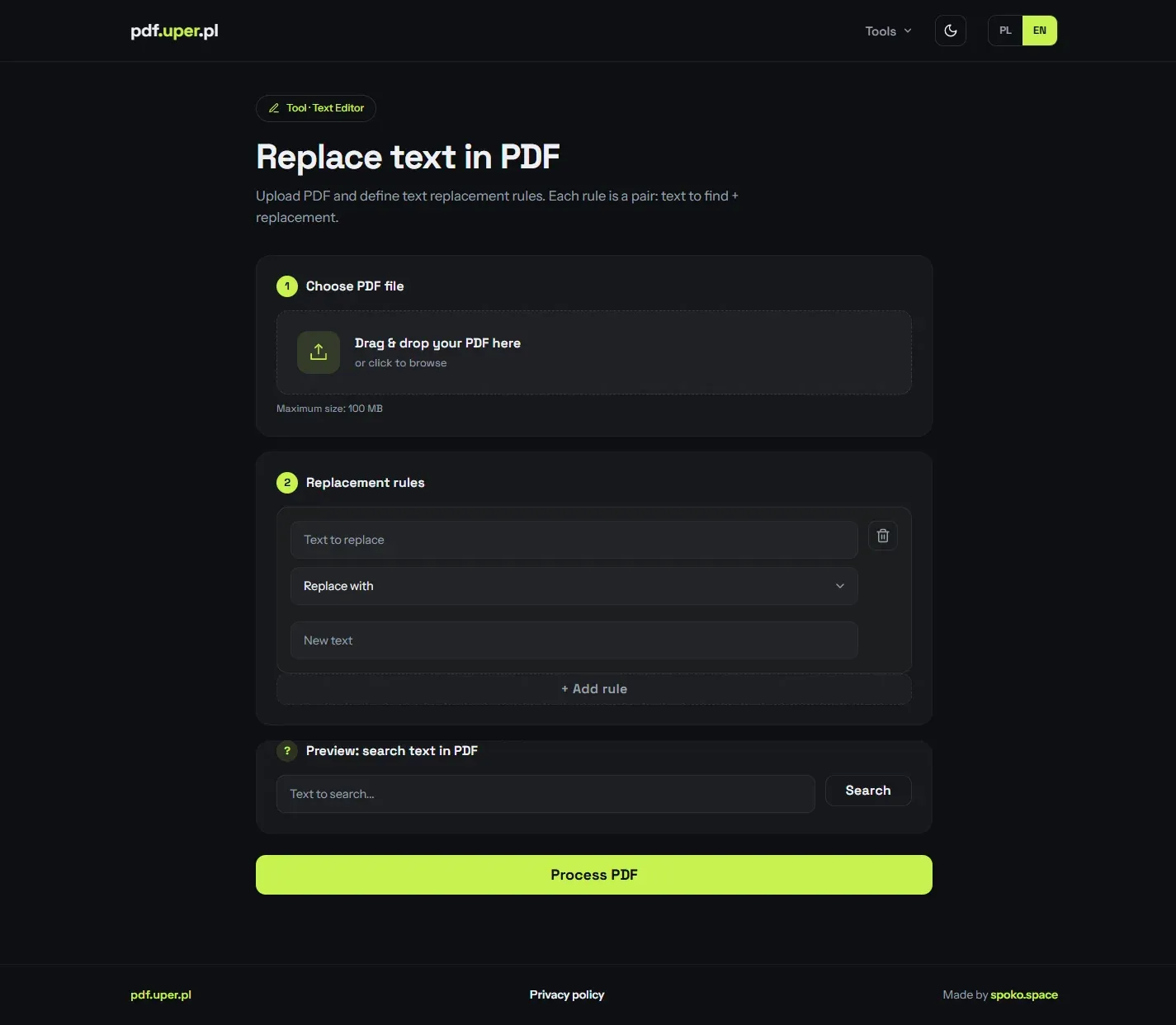
Define multiple find-and-replace rules at once, with control over font, size and colour. Search the document to preview matches before processing.
Manage pages
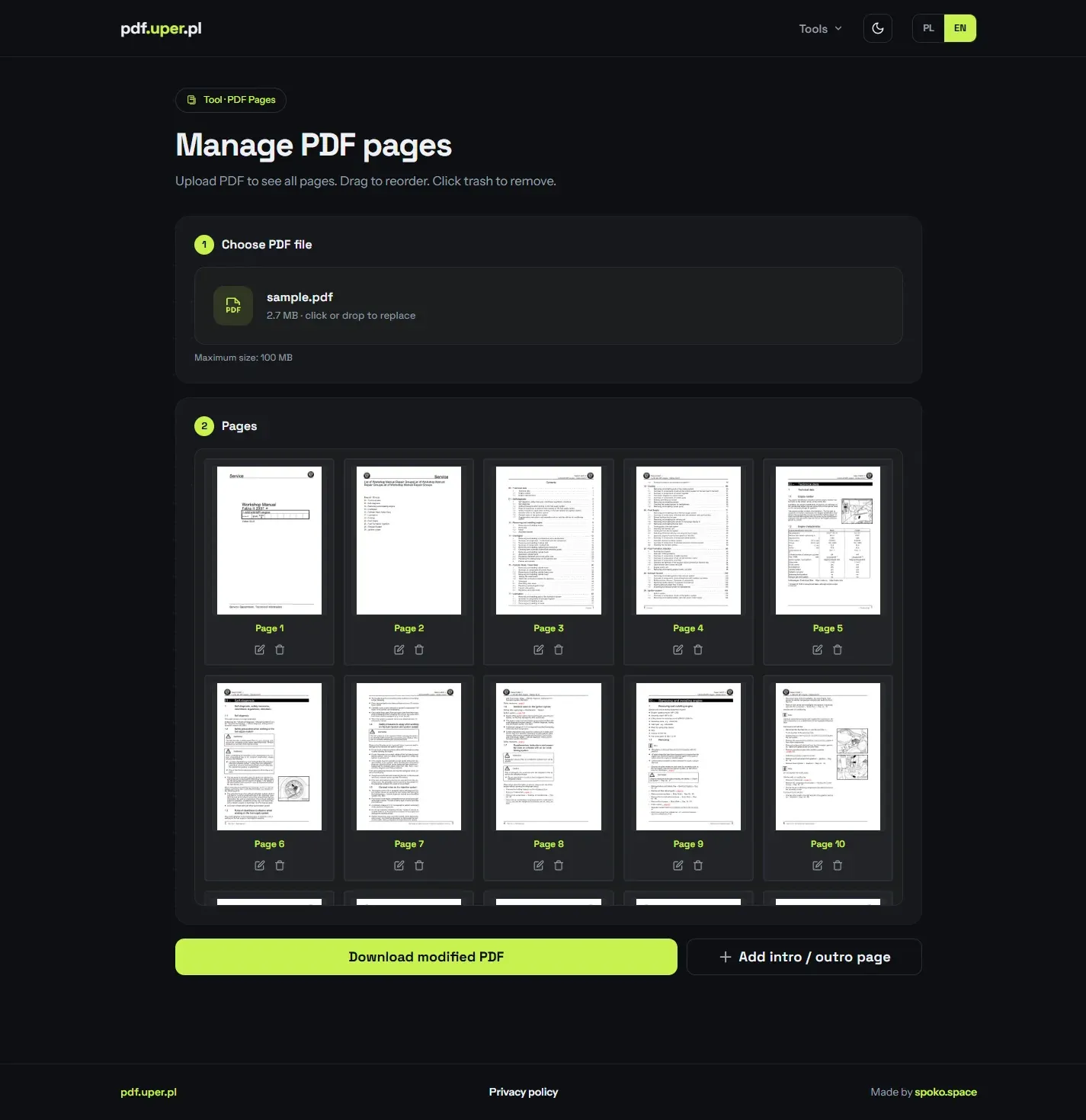
Reorder pages by drag & drop, delete the ones you don't need, and add custom intro/outro cover pages. Full thumbnail preview of every page.
Extract images
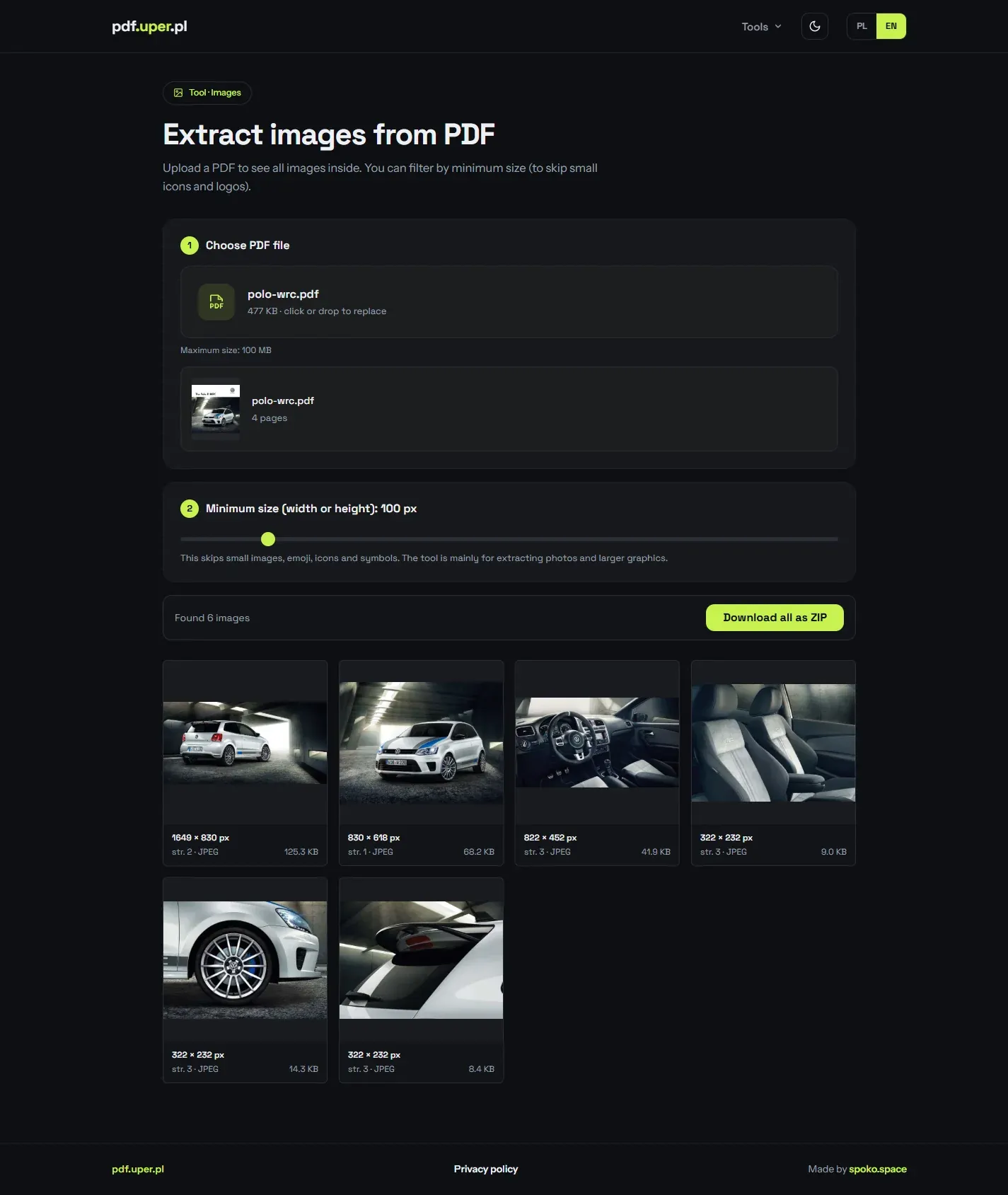
Pull all graphics out of a PDF, filter them by size, and download single files or everything at once as a ZIP.
Convert to a document
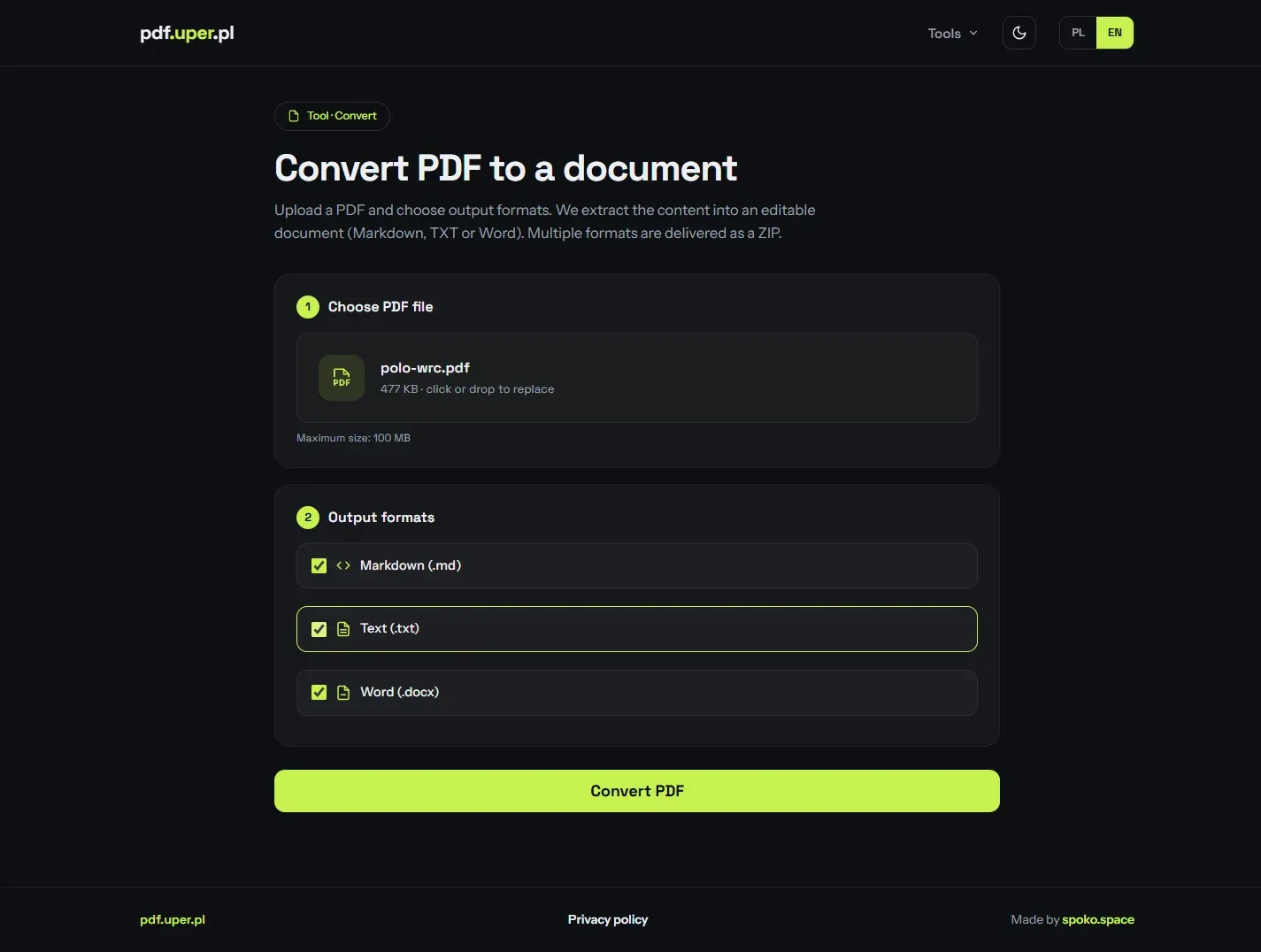
Export PDF content to Markdown, plain text or Word (DOCX) — pick several formats at once and get them back in a ZIP.
JPG to PDF & Merge
Combine images into a single PDF, or merge several PDFs into one document.
Compress & Rotate
Shrink file size for email and uploads, or rotate pages by 90°, 180° or 270°.
Page management with live thumbnails
Upload a document and every page renders as a draggable thumbnail. Reorder by dragging, drop a page into the trash to remove it, and prepend or append a generated cover page — then download the rebuilt PDF.
Batch text replacement
Each rule is a find/replace pair, and you can stack as many as you need to clean up a document in one pass — handy for swapping recurring strings across a long manual. A built-in search previews where each match sits before you commit.
Pull images out of a PDF
Point it at a PDF and every embedded photo or graphic is listed with its dimensions and file size. A minimum-size slider hides small icons and logos, then you grab a single image or all of them as a ZIP.
Convert to Markdown, Word or text
Extract the content of a PDF into an editable document — Markdown, plain text or Word (DOCX). Tick several formats and they come back together in a ZIP.
Privacy by design
The whole thing is built around not keeping your data:
- Files are processed in memory, only for the duration of the request — the upload and every generated artifact are removed right after the response.
- No account, no signup. None of the tools require registration to use them.
- All traffic is served over HTTPS, with Cloudflare in front of the origin.
For documents like invoices or signed contracts, “nothing is stored” isn’t a marketing line here — it’s how the request lifecycle actually works.
Bilingual from the ground up
The interface ships in Polish and English, each on its own set of URLs (/strony ↔ /en/pages) with proper hreflang and per-language SEO metadata, so each version is indexable on its own.
Technical Implementation
A deliberately small Flask monolith: page routes render the bilingual UI, a handful of /api/* endpoints do the PDF work with PyMuPDF, and the frontend styling is generated from the Spoko Design System via UnoCSS.
Python + Flask
A lightweight Flask app serving the bilingual pages and a thin JSON API. No heavyweight framework — small surface, fast cold starts.
PyMuPDF
Does the actual PDF heavy lifting: text search & replacement, page manipulation, image extraction and rendering thumbnails.
UnoCSS + SDS
Styling generated from the Spoko Design System as a static stylesheet, scanned straight from the Jinja templates.
Google Cloud Run
Containerised with Docker and deployed on Cloud Run, scaling to zero between requests. Auto-deploys from main via Cloud Build.
Vanilla JS frontend
Per-tool ES modules (dropzone, drawer, drag & drop pages) — no SPA framework, no build step on the client.
Cloudflare
Sits in front of the origin for TLS, caching of static assets and the public pdf.uper.pl domain.
It’s free to use and gains new tools over time. Try it at pdf.uper.pl.