
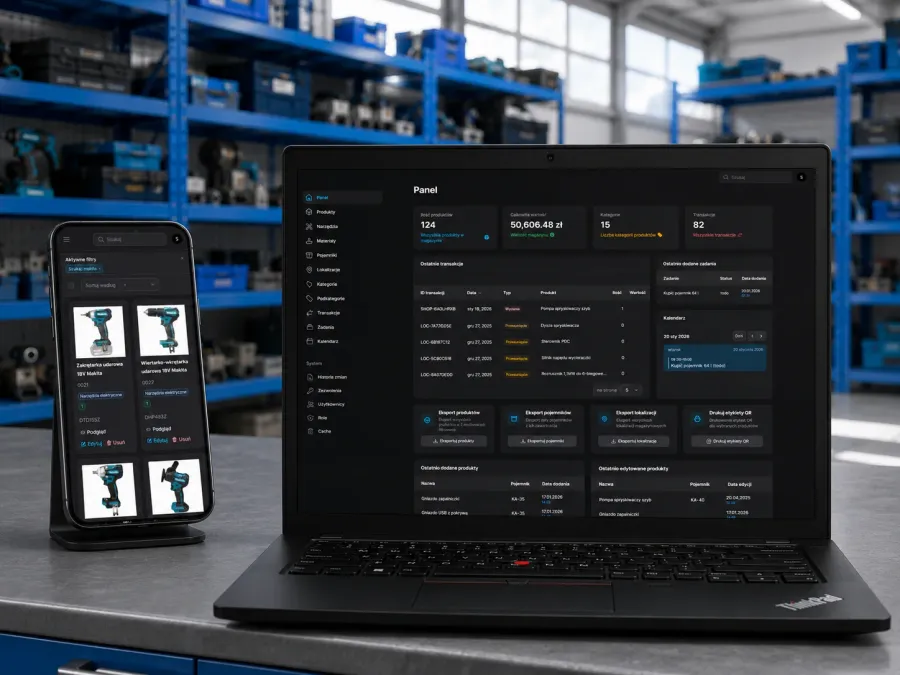
Garage Inventory Management System
Private warehouse management system for garage and workshop. Features QR code scanning, location tracking and e-commerce integration via REST API.
Custom admin dashboards, CRM systems, SaaS MVPs and product configurators.
Laravel + Filament + Vue + Astro · 15+ years of experience · EUR pricing.

Who I build for
You are looking for web application development services — which means you need software that does something, not just a website that describes your business. Users will log in, enter data, run operations, and rely on the app as a tool.
I build web applications for three types of client:
My stack of choice is Laravel + Filament for the backend and admin panel, Vue 3 or Astro for the public frontend, and a clean REST/GraphQL API connecting the two. This combination covers 90% of the web apps small and mid-size businesses actually need.
What I build
These are the web application categories where I have shipped real, working software for real businesses — not just demos.
The everyday tools that run your business — product catalogs, order management, inventory tracking, analytics dashboards. Often built on Filament for rapid delivery. Real example: garage inventory system with QR-code scanning.
Custom CRM applications when off-the-shelf (Salesforce, HubSpot, Pipedrive) does not fit. Workflow tools for approvals, scheduling, task assignment. Especially useful for regulated industries or niche business models.
Get from idea to a validation-ready MVP in 2–4 months. Built with production-quality code from day one, so you do not need to rebuild once investor traction appears. Laravel + Vue + Stripe subscriptions is a common pattern.
Interactive tools that help customers choose the right product or estimate a quote. Can live as an island inside an existing marketing site (Astro + Vue) or as a standalone application with lead capture.
Secure portals where customers, distributors, or partners log in to see their data — order history, invoices, documentation, pricing. Often a requirement for B2B businesses moving from email-and-spreadsheet workflows.
Backend APIs for mobile apps, headless frontends, or third-party integrations. Authentication (JWT, OAuth), rate limiting, versioning, Swagger/OpenAPI docs. Laravel as the most common backend framework.
Tech stack
My default stack for custom web applications is Laravel + Filament + Vue 3 + Astro. Here is why this combination wins over alternatives like full React/Next.js stacks, no-code tools, or older PHP frameworks:
For clients with existing React, Next.js, or Node.js infrastructure, I adapt — the stack is a tool, not a religion. But if you are starting fresh and want the fastest path from idea to production, Laravel + Filament is hard to beat.
Selected web application projects — from internal inventory tools and product catalogs to open source plugins and a Chrome extension used daily by SEO professionals.
Private warehouse management system for garage and workshop. Features QR code scanning, location tracking and e-commerce integration via REST API.
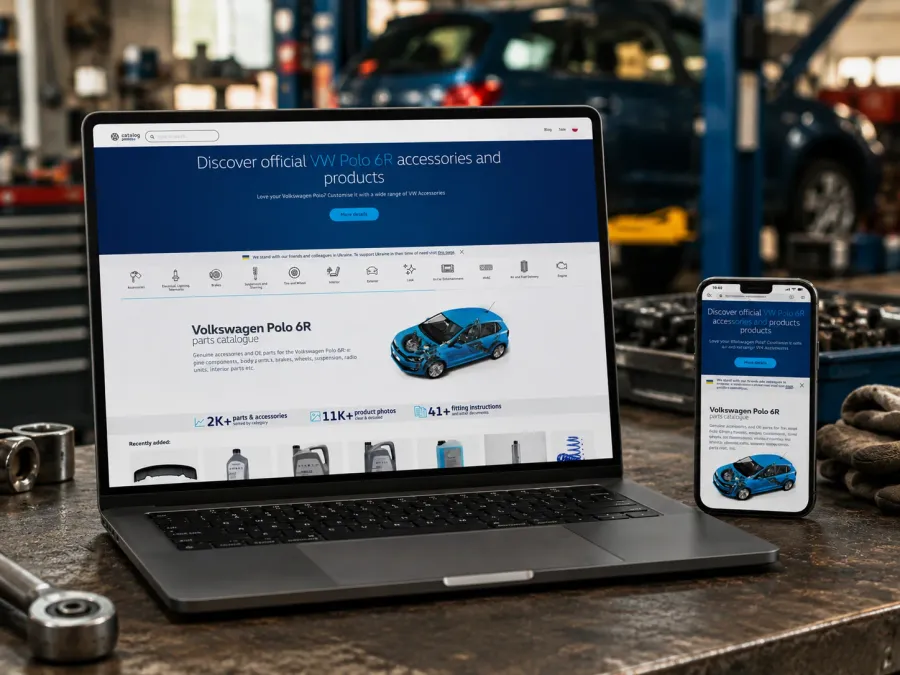
Headless CMS parts catalog for VW Polo 6R. Astro SSG, Vue 3, Laravel API, Filament admin, AI descriptions, DeepL translations and Cloudflare R2 image pipeline.
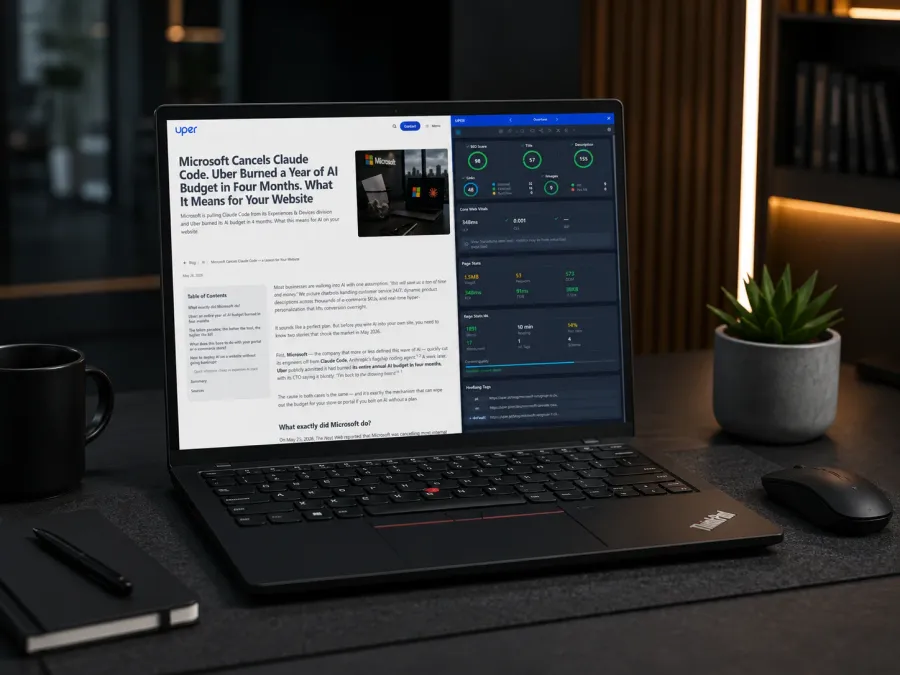
Chrome extension for SEO specialists and developers. Provides real-time debugging of Web Vitals, Schema.org, GTM, and JS errors directly in Chrome Side Panel.
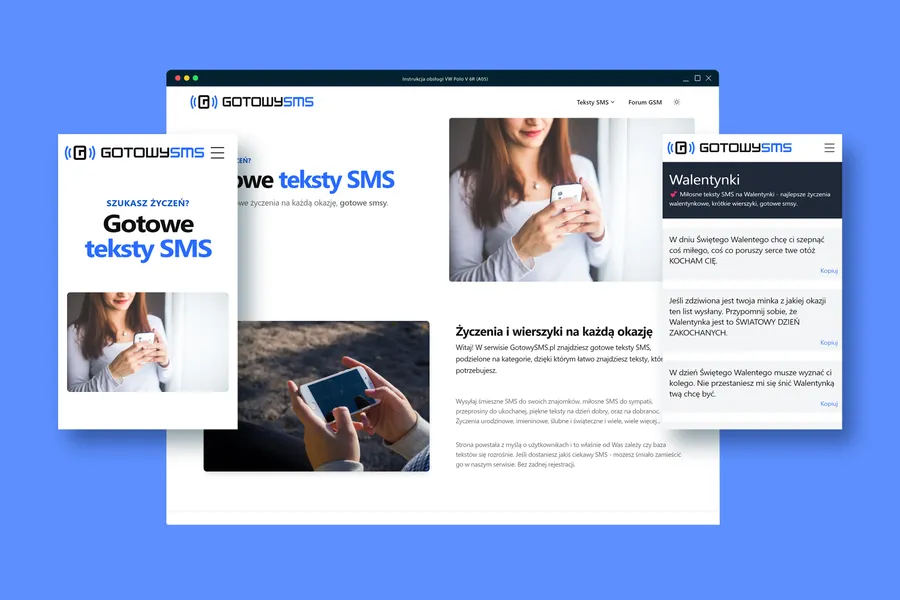
Static site with ready-to-use wish texts and SMS templates, powered by a custom CMS on Laravel 13 + FilamentPHP. Architecture built to withstand seasonal traffic spikes.
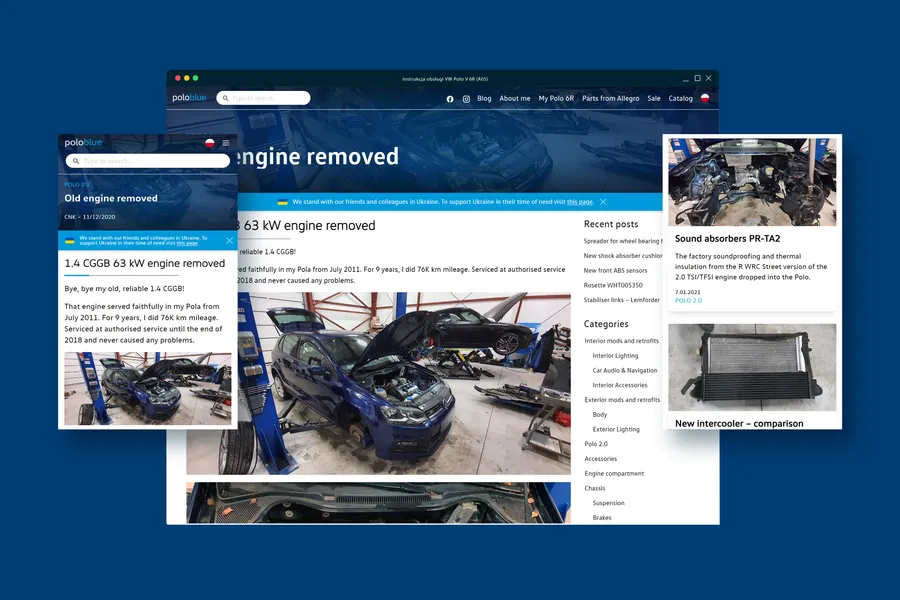
Headless automotive blog built with Astro, Vue3, UnoCSS, and a WordPress REST API backend — static performance with a familiar CMS for content editors.
Website vs application
Clients often ask for "an app" when what they really need is a content-rich website with a few interactive components — and vice versa. The boundary matters because it drives cost and timeline.
Quick test — you need a web application if:
If you answer "no" to all of these, you probably need a website with interactive elements, not a full application. More on this in the guide: Web application vs website — what is the difference?
Pricing
Net prices, VAT added where applicable. These are typical project ranges — the final quote depends on complexity, integrations, and team structure required.
Single-purpose, focused scope
Multi-role, integrations
Subscription, scale, white-label
How we work
Iterative delivery with weekly demos — not a big-bang release at the end.
Discovery and scoping
We start with a 60–90 minute call covering the business problem, the users, the existing systems, and the budget. I come back with a scope document before any code — no ambiguous "time and materials" pricing.
MVP definition
For larger projects we define a minimum viable slice — the smallest set of features that delivers real value and can be tested with real users. This is usually 60% of the "wish list" and 30% of the budget.
Iterative development
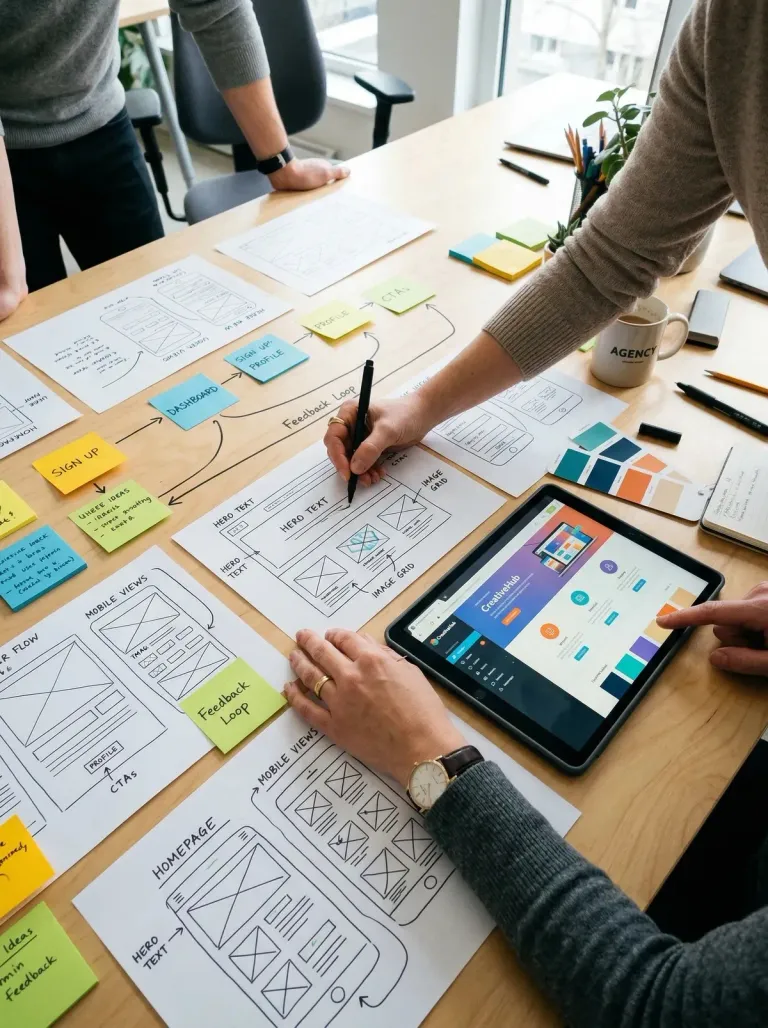
Two-week sprints with a live demo at the end of each. You see working software every two weeks, not a Figma mockup at week one and a big reveal at month four. Feedback shapes the next sprint.
Testing and deployment
Automated tests for critical paths, staging environment for acceptance testing, then production deployment with rollback plan. CI/CD pipeline set up so future changes ship in minutes, not hours.
Ongoing support
30 days of free fixes after launch. Ongoing support options: monthly retainer for maintenance and small features, or hourly for ad-hoc work. Most app clients keep a retainer — applications need more ongoing attention than static sites.
FAQ
For projects up to around 6 months of focused work, yes — and faster than an agency with the same budget. I handle backend (Laravel), frontend (Vue/Astro), database design, deployment, and basic DevOps. For larger projects needing mobile apps, complex DevOps, or specialist roles (dedicated ML engineer, iOS/Android native), I coordinate with trusted partners rather than claim to do it all.
A focused MVP for a SaaS or internal tool typically takes 2–4 months. The biggest variable is not the technical work but the client's decision speed on feature scope, integrations, and designs. Projects where the client has a clear vision ship at the fast end; projects where requirements keep evolving take longer.
Filament is a Laravel-based admin panel builder. It generates CRUD interfaces, forms, tables, and dashboards from your data model — production-ready out of the box. What would take 2–3 weeks of custom React admin panel development ships in 2–3 days with Filament. For internal tools and admin panels, it is usually the fastest path to working software without compromising on quality.
Both. I can lead a project end-to-end as the single developer, or join an existing team as a senior frontend / full-stack contractor. At Rocksoft I worked nearly four years on Horze.de as a frontend contractor embedded with a larger team. Outside of Rocksoft, most of my direct-client projects are full-ownership.
Web applications need more ongoing attention than static sites — security patches, framework updates, bug fixes, minor features, monitoring. I offer monthly retainers (fixed hours at a discounted rate) or hourly ad-hoc work. For critical business applications, a retainer is strongly recommended — it ensures predictable response times and prevents technical debt from accumulating.
No-code tools (Airtable, Bubble, Retool) are great for quick internal tools with simple logic. They fall short when you need custom workflows, performance at scale, complex permissions, or integration with specific APIs. A good rule: if the tool would take 40+ hours to build in no-code workarounds, custom development is usually cheaper in total cost of ownership — and dramatically cheaper once you need to change something.
Yes — most projects involve integrating with something. Payment processors (Stripe, PayPal, Adyen), email services (Resend, SendGrid, Mailgun), ERP/CRM systems (Salesforce, HubSpot, custom APIs), accounting (QuickBooks, Xero), analytics (GA4, Segment). The specifics depend on your existing stack — we cover this in the discovery call.
Describe what you want to build — I'll come back within 24 hours with a tech recommendation and a ballpark quote. Free, no obligation.