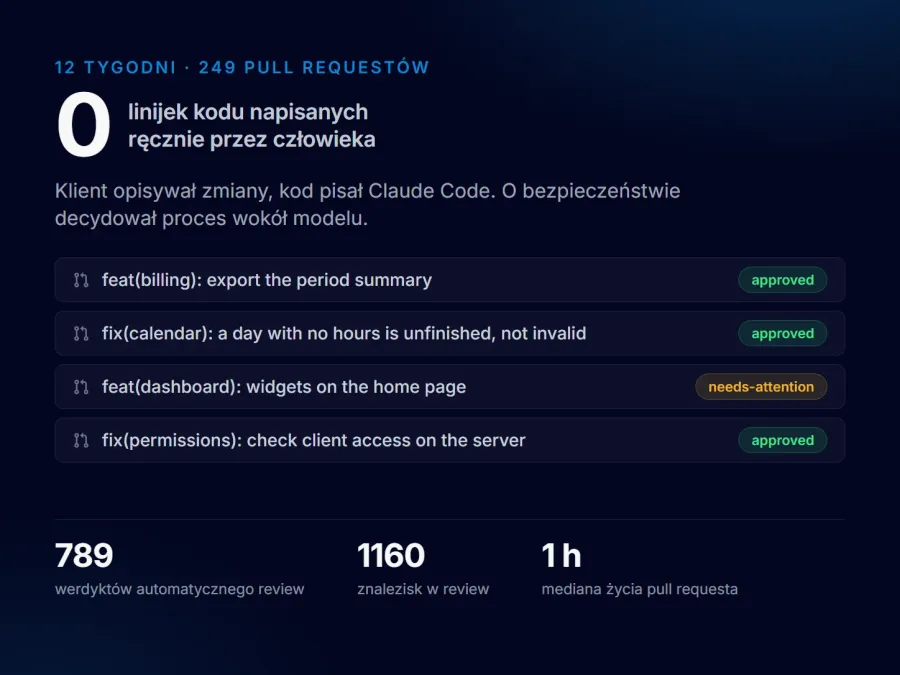
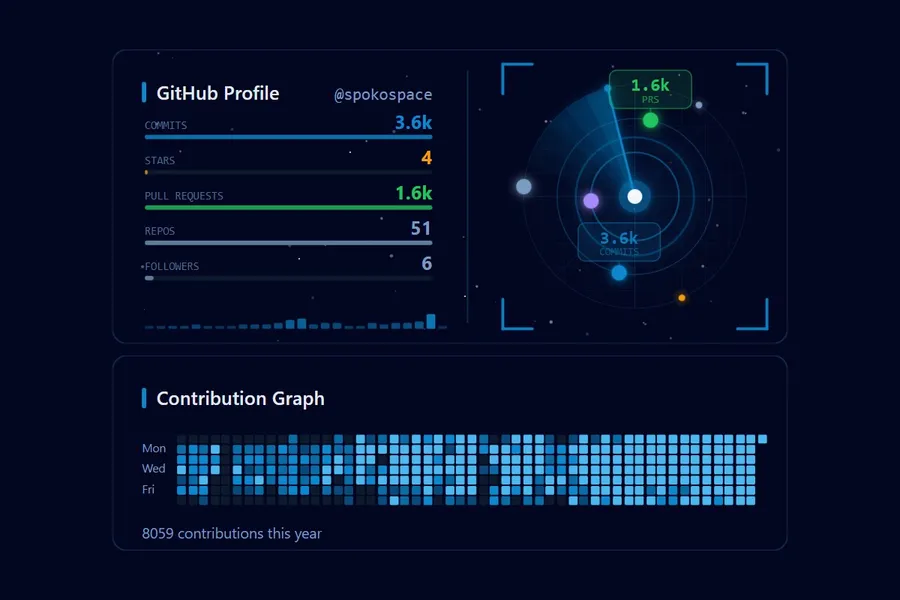
AI has been part of my daily work for a long time — but saying so proves nothing, so here is a project instead. I built ZapiszPrzepis from scratch and shipped it to production: the app runs, the code is public, and as the final assignment of the 10xDevs 3.0 programme it passed first time and earned a Best Project distinction.
It is still a test version: a few people close to me use it day to day, and registration is not open.
This post is about what that process actually looks like — because the process is what I bring to client work, not just to my own side projects.
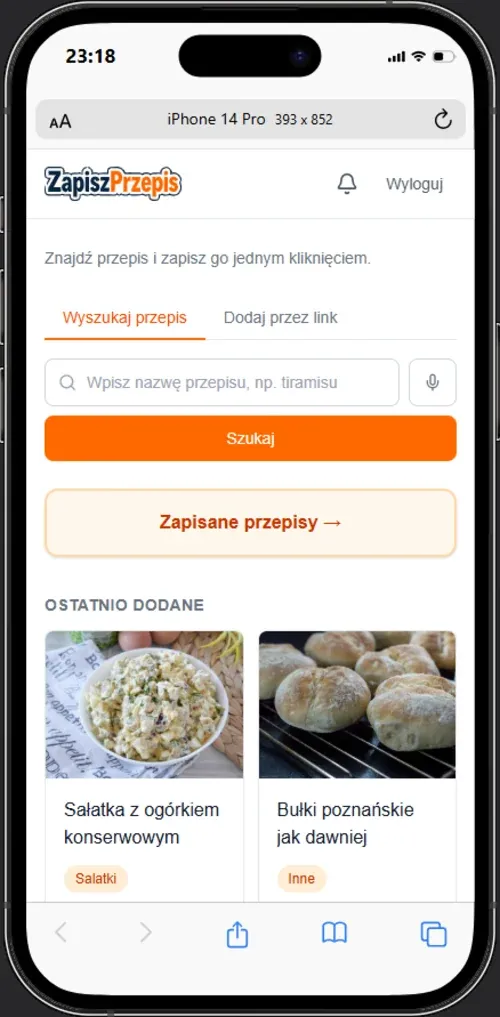
What the app does
Recipes circulate as posts, reels and videos. The reflex is to bookmark them or use the platform’s own “Save” button. The trouble is that all of those store a pointer, not the content.
After a few months a good share of saved links stop working. The author deletes a reel, a cooking group vanishes, a blog goes dark, a post flips to private. A saved collection quietly turns into a list of 404s — and you find out at the moment you actually want to use it.
ZapiszPrzepis works the other way round — archive-first. Every link becomes a permanent copy: title, ingredients, steps and image land in the user’s own database. The source URL is stored with them, so the original is one click away for as long as it lives. When it goes, you lose nothing but that button.
That copy is not a snapshot of the page. An OpenAI model writes the text — it keeps the ingredients and the steps, and strips the navigation, the ads and the long preamble you have to scroll past to reach the actual recipe. English sources get translated into Polish along the way.
I designed for a non-technical person — someone who does not type ingredients by hand, fill in forms, or manage folders and tags. That constraint turned out to be the most useful filter in the whole project: it immediately ruled out most of the “obvious” features.
How it works
The entire entry path is one gesture. The app registers as a Web Share Target, so it shows up on the system share sheet next to Messenger and WhatsApp. The user sends it a link and does nothing else.
Everything after that happens in the background:
- Step 1
Source detection
A blog post, a video and a social post are each handled differently.
- Step 2
Content retrieval
Via Firecrawl, or for Blogger-hosted blogs via their JSON feed — a deterministic result instead of guessing from scraped HTML.
- Step 3
Extraction
An OpenAI model (gpt-4o-mini) pulls out the title, ingredients, steps and category, translating English sources into Polish.
- Step 4
Image archiving
The picture is copied into our own storage so it cannot disappear with the source.
- Step 5
Storage
The finished recipe lands in the database with per-user isolation.
Extraction can take a dozen seconds and is occasionally flaky, so it does not run inside the request cycle. It emits an event to Inngest, which handles queueing and retries. The user gets an immediate response and the recipe appears shortly afterwards.
Web recipe search with voice input came later — archiving only solved half the problem. The other half is finding something you do not have yet.
The stack, and why
One decision determined the rest: hosting on Cloudflare Workers means no Node.js APIs at runtime. Every integration had to work over plain fetch. That ruled out several libraries before I wrote a line of code — which was a gift, because discovering it mid-deployment would have cost one of the few days available.
I break down the choice between Next.js and lighter generators in my comparison of web application frameworks — here the need for dynamic server-side state settled it.
How I actually work with AI
The way I work with AI carries over to client projects one to one.
Project context as long-term memory
The repository carries a directory with the requirements, the roadmap, per-change plans and a register of lessons learned. This is not documentation written for humans after the fact — it is input for the model before every change.
The difference is tangible. A model without context produces code that looks reasonable but ignores a decision made three days earlier. A model with the requirements and the plan in hand proposes solutions consistent with what already exists — and flags it when you ask for something that contradicts an earlier call.
For a client that has a mundane consequence: those documents stay. You are not buying a black box, you are buying a project where it is visible what was decided and why.
A plan before code, every time
Every meaningful change starts with a document laying out phases, acceptance criteria and risks — not with an instruction to “add search”. Only an approved plan goes to implementation.
It sounds like bureaucracy. In practice it is what shortens the whole thing, because it removes the most expensive category of mistake: building something that works and solves the wrong problem. The July search feature is the clearest example — it had a week of budget and took three days, because the plan was finished before the first line.
Tests where the logic is sneaky
The project carries over 70 unit tests plus an end-to-end suite in Playwright. They are not spread evenly, and that is deliberate — they sit where silent mistakes are easiest: source-type detection, ingredient normalisation, judging whether fetched content is even a recipe, parsing video identifiers.
I cover how I wire AI into E2E tests in my guide to E2E testing with Playwright.
Review as a gate, not a formality
Code written with a model’s help is rarely wrong in obvious ways. It is wrong where something works but rests on a false assumption: a regular expression that looks watertight. A match that holds for today’s inputs. A privilege granted just in case.
Those are exactly the things that sail past the compiler and the test suite. So review is not the last item on a checklist here — it is where I spend a disproportionate amount of time, and the more code a model writes, the better that trade gets.
What your project gets out of it
Concretely, without the platitudes:
- Requirements written down before the code. You know what is being built and how we will know it is finished.
- A faster route to a working version. AI shortens the typing, which leaves more time for what actually decides the outcome.
- Tests where things break quietly. Not for a pretty coverage number, but so a regression does not reach production.
- The code and the docs are yours. Repository, decisions and change history — you can take them further, with me or without me.
- One person accountable for the whole thing. From architecture through deployment to support after launch.
Summary
- AI does not replace the thinking, it shortens the typing. The difference is made where we settle what is being built at all.
- Project context in the repository is infrastructure, not documentation — and it stays with the client.
- Review and tests matter more the more code a model writes, because mistakes shift from “does not compile” toward “works, but on a false assumption”.
- Learn the platform’s constraints before the first line, not during deployment.
ZapiszPrzepis was built as part of 10xDevs 3.0, passed first time with a Best Project distinction — verify the certificate — and the code is public on GitHub.