A headless CMS stores and edits content but does not render the website. The pages are built by something else, which reads the content over an API — so the editing tools and the front end can be changed independently of each other.
What it is
An ordinary CMS does two jobs: it holds the content and it draws the pages. A headless one does the first and stops. The content goes out over an API, and whatever builds the site — a static generator, an app, a mobile client — reads it from there.
The word describes an arrangement, not a product. WordPress is a headless CMS the moment you stop using its themes and start reading its REST API, which is the version I meet most often.
Why it matters if you are paying for a website
Because it lets you keep the part people are trained on and replace the part that is slow. The editor stays where it was — same login, same screens, same workflow — and the pages get rebuilt by something that produces plain HTML.
That is the whole pitch, and it is a genuine one. It is also where most of the disappointment comes from, so the next section matters more than this one.
What breaks, from doing it
Everything the CMS used to do while rendering now has no home, and each piece has to be rebuilt deliberately:
Preview. “View draft” worked because the CMS drew the page. Once it does not, preview is a feature someone has to build.
Forms. The contact form was a plugin that rendered a form and received the post. Now the front end owns the form and something else has to receive it.
SEO output. The meta tags, the canonical, the sitemap, the schema — most of that came from an SEO plugin that injected it into the theme’s <head>. None of it reaches a front end that never loads the theme, and rebuilding it is not optional.
Plugins in general. Anything whose value was “it appears on the page” is gone. Anything whose value is “it manages data” survives.
I have run this both ways. On one project WordPress stayed exactly as it was and only the front end moved; on another the catalogue moved into a purpose-built admin, because the content model had outgrown what posts and custom fields could express without a diagram.
What a headless CMS is not
It is not automatically faster — it is the static build in front of it that is fast, and a headless CMS read live on every request can be slower than the theme it replaced. It is also not “no CMS”: somebody still edits the words somewhere, and pretending otherwise is how a site ends up needing a developer to fix a typo.
Related terms
See also
Want this done, not just defined?
This is the part of the work I get hired for. The page below says what it costs and how it runs.
Web developmentWhere I write about this
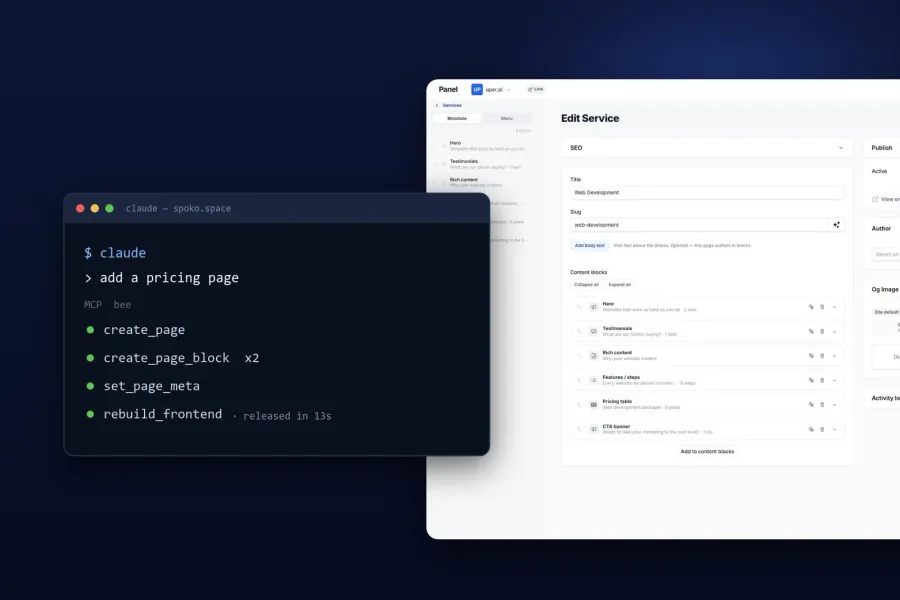
Custom CMS with AI
A custom headless CMS and content dashboard for managing websites, pages, translations and media from a single interface — with AI connected to the content workflow over MCP.
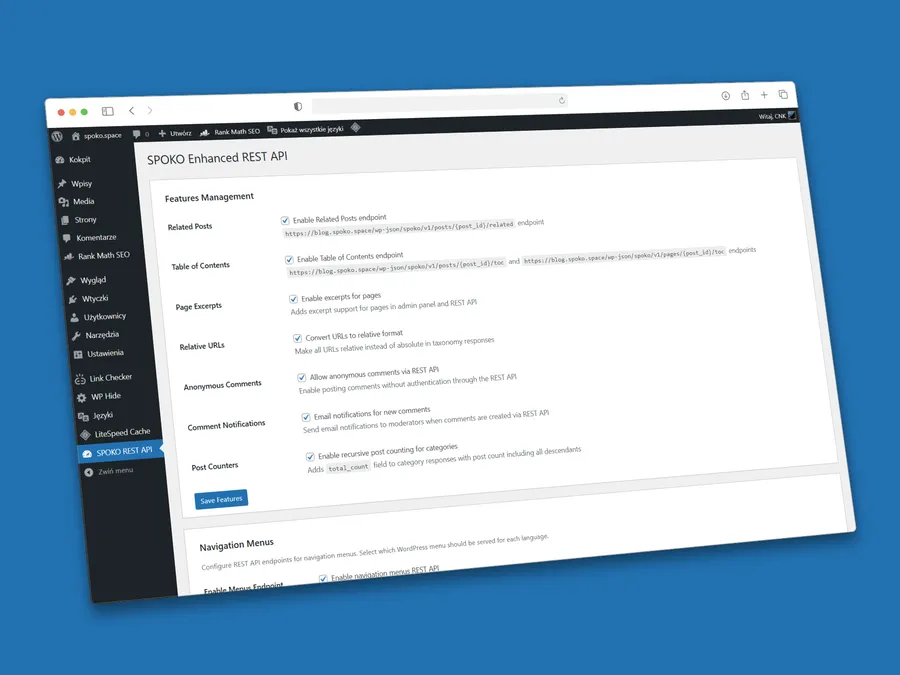
Enhanced WP REST API Plugin
Open-source WordPress plugin extending REST API for headless CMS. Adds GA4, Polylang hreflang data, relative URLs and headless mode with 301 redirects.
Web application vs website — what is the difference?
A website presents content. A web application lets the user do something. See the differences, when to choose which, and how much each costs.
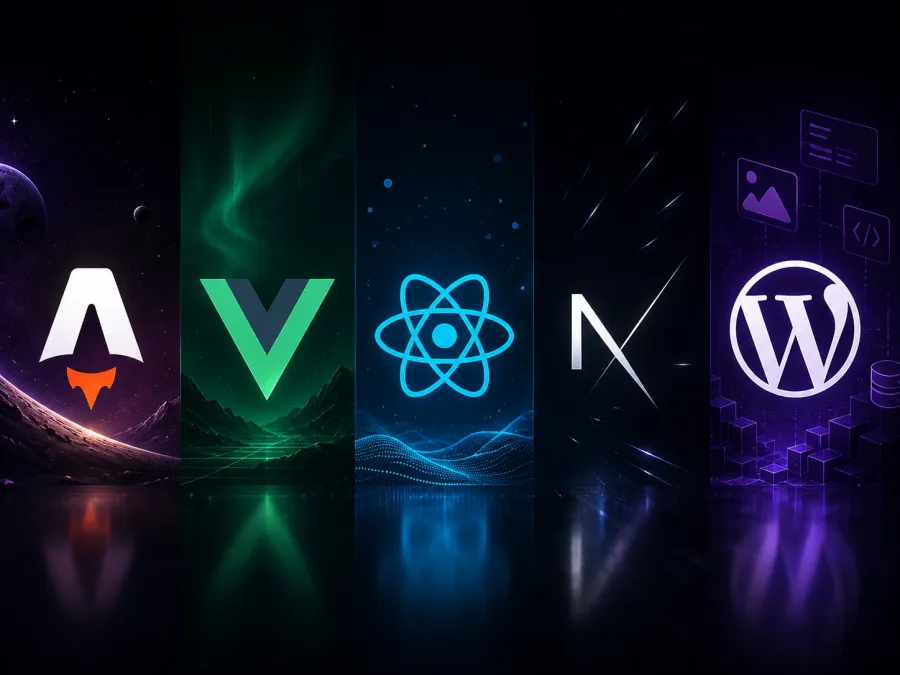
Web Application Frameworks in 2026
Astro, Vue, React, Next.js or headless WordPress? A practical comparison of the popular frameworks with performance benchmarks and usage scenarios.